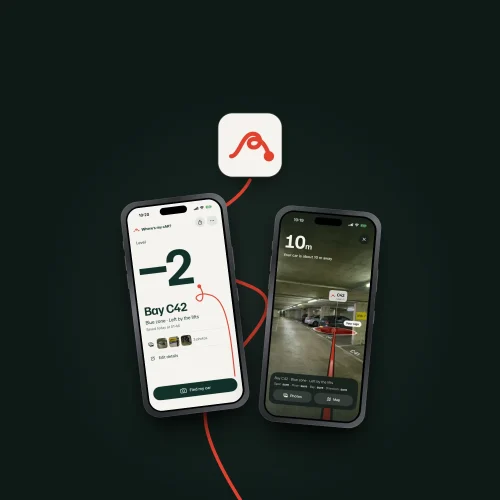
Where’s my cAR? is Appoly’s own app for finding your car in a multi-storey or underground car park. It remembers the level, the bay and the sign you parked by, then takes you back with a map, AR or your own photos.
Visit wheresmycar.app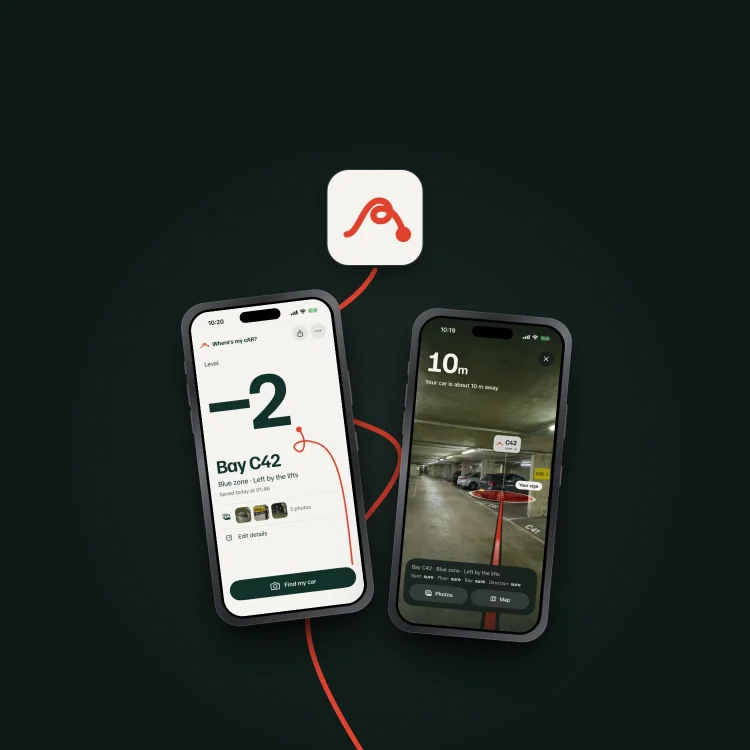
Apple Maps and Google Maps can both drop a pin where you left the car. In a multi-storey or underground car park, that pin is the same on every level. Where’s my cAR? has been on the App Store since 2018, and James rebuilt it as version 2.0 around that problem.
Under concrete the signal is weak or gone, so the phone can’t tell level -1 from level -2.
What gets you back is the level, the zone and the bay, and those are painted on pillars and signs.
People park in a hurry. Saving has to take one tap, or be offered at the right moment.
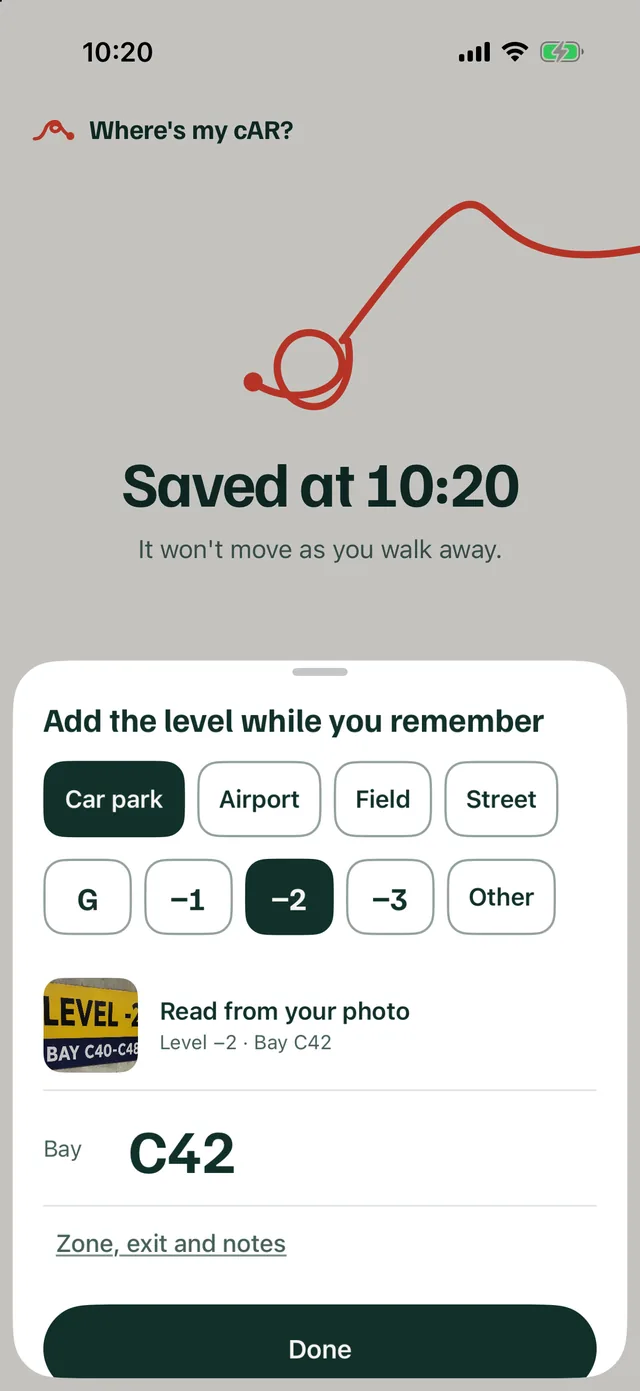
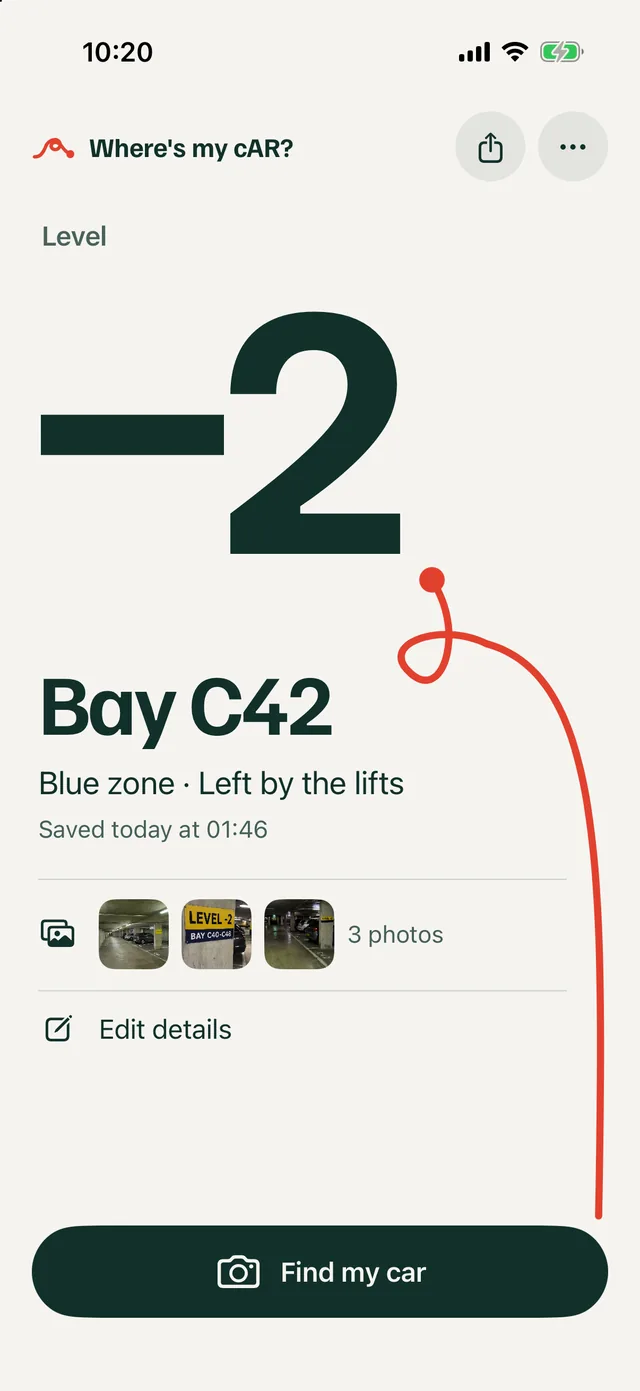
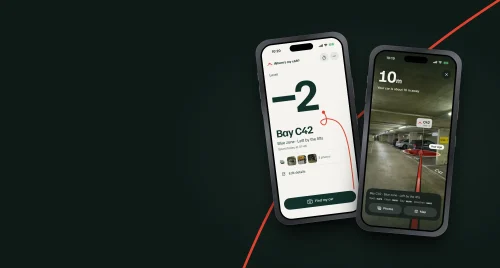
Version 2.0 is a complete rebuild for iPhone and Android, and existing users got it as a free update. Saving starts on the camera.
From across town, the map shows you and the car and hands walking directions to Apple Maps. Inside the car park, the AR view draws a red line across the floor towards the car, or you can step through the photos you took when you parked, one at a time. The app says how sure it is about each part, such as “Floor: sure, Direction: rough”, and if the compass can’t be trusted it says so instead of drawing a confident line.
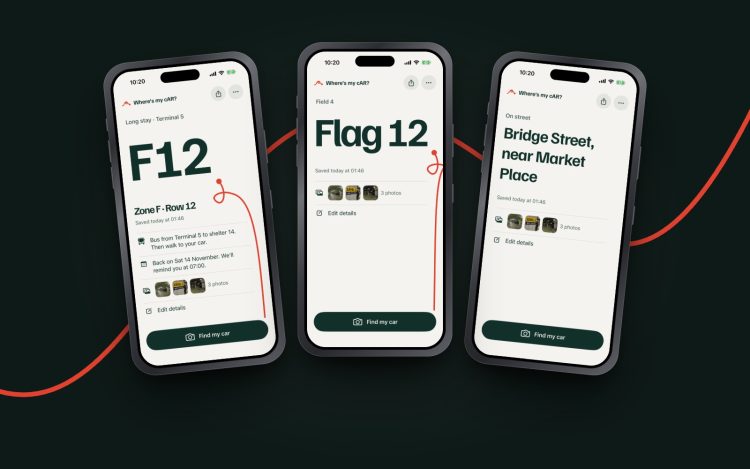
Alongside car parks, the iPhone app handles other kinds of place, each with the details that matter there.
A parking app that sends you confidently to the wrong floor is worse than none, so this one keeps track of what the phone knows and tells you.
The location, floor, bay and direction are each marked sure, rough or unknown. What you confirmed always outranks what the sensors guessed.
When CarPlay disconnects, the app asks “Parked here?”. If you open it soon after a drive ends, it asks “Parked?”. It never saves a spot without you.
A CarPlay parking app saves the spot from the dashboard, and Siri and Shortcuts can save it or say where the car is.
One written set of rules, checked by 68 shared test cases, defines how saving, confidence and finding behave, so the iPhone and Android apps agree.
144 automated tests on iPhone, including one that steps through the app the way an App Store reviewer would.
No sign-up, no ads and no analytics. Your spot stays on the phone unless you share it, and the old app’s saved spot comes across once, marked as rough.